Your clothes, easier to combine.
Photograph your clothes and discover what to wear today or tonight. Your wardrobe is stored on this device, and you can use it without an account.
Swipe to explore the app
Everything you need for your wardrobe
Keep it simple. Open the app, take a photo and start organizing.
Add clothes with a photo
Use the camera or choose from your gallery. Prepare the photo and fill in your garment’s details.
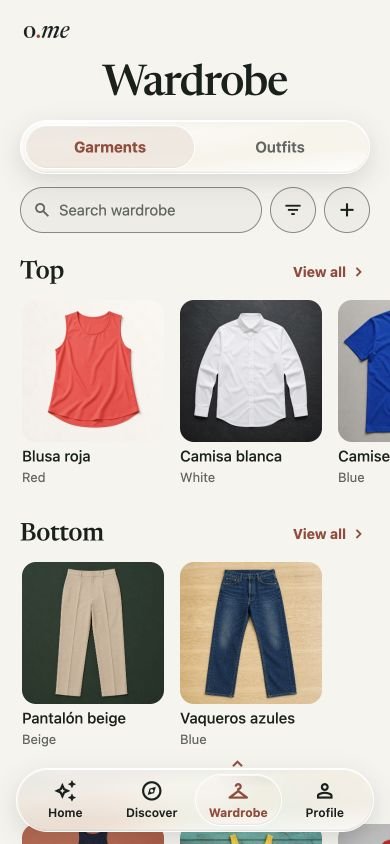
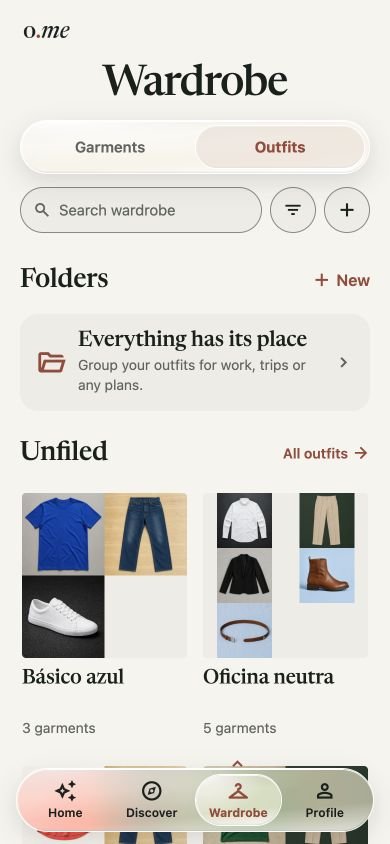
An organized wardrobe
Sort by category, color and type. Find your clothes using search and filters.
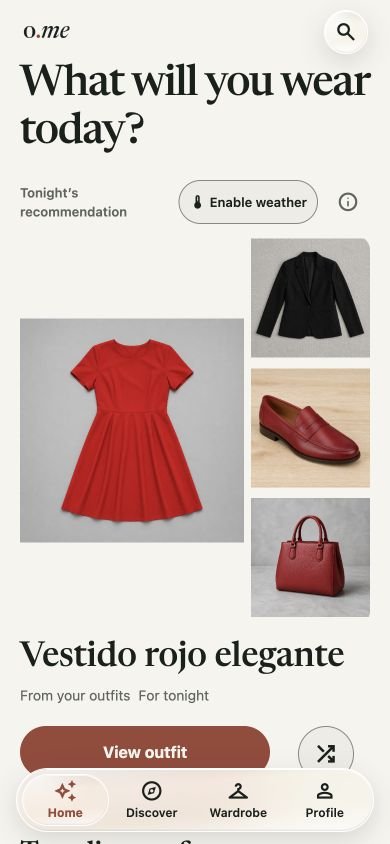
An idea for today or tonight
Get a saved outfit or a new combination of your clothes. You can see another option and save the one you like.
Your wardrobe, on your device
You can use it without an account. Accounts and weather are optional and use external services. Signing in does not sync your wardrobe.
Three steps and you’re ready
From a photo to an outfit with the clothes you already own.
Photograph
Take a photo of your garment or choose an image you have already saved.
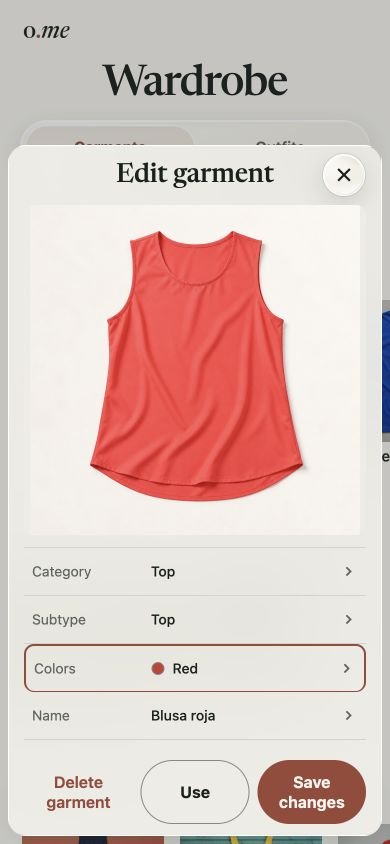
Classify
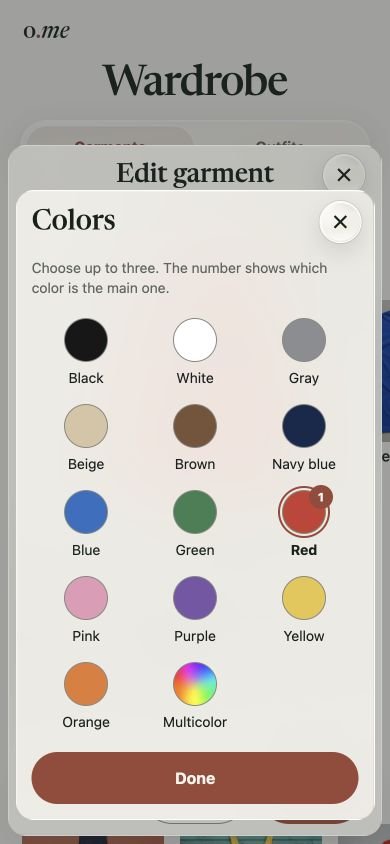
Choose the category and color, and add a name if you like.
Choose and save your outfit
Open today’s or tonight’s recommendation. See another option if you like, and save a new combination to your outfits.
Your wardrobe questions, answered
Do I need to create an account?
No. You can organize your clothes and get recommendations without an account. If you choose to sign in, your account identifies your access, but it does not sync or back up your wardrobe on our servers.
What if I change phones or clear my browser data?
Before changing devices or clearing their data, export your wardrobe from Settings and keep the ZIP file. You can import it later to restore the garments, outfits and photos it contains. Signing in does not restore your wardrobe. Keep any backups you want to retain outside the device too.
How do recommendations work?
The app suggests a saved outfit or a temporary combination of your clothes for the day or evening. You can open the outfit, see another option or save a new suggestion. To start, you need a one-piece garment, such as a dress, or a top and a bottom. Add your footwear to complete the options.
What is my location used for?
Your coordinates are used to request a forecast from Open-Meteo only if you enable weather and grant permission. You can stop waiting or turn weather off. You can also get recommendations without enabling location access.
Does deleting my account also erase my wardrobe and stop emails?
These are separate actions. Deleting your account does not erase the garments or photos stored on this device. The mailing list is also separate, and you can unsubscribe through its emails.
See how to delete your account and manage your dataDoes signing up give me access to the beta?
You are joining a waiting list. You’ll receive an email announcing the opening and access instructions when they are available. Signing up does not create an account in the app.
Join the waiting list
Receive an email when the beta opens, along with app updates. We’ll explain how to access it and which platform it is for.
Coming soon to: